
Sheet music scanner apps compared: platforms, exports and prices
Sheet music scanners (optical music recognition, OMR) differ mainly in where they run, what you can export and how they charge. Desktop programs such as ScanScore and Audiveris suit people who work at a computer; mobile apps such as PlayScore 2 focus on playback; Soundslice and PUJIAN run in the browser. We make PUJIAN, so read this as a vendor's comparison: we list only facts published by each vendor, checked on 2026-11-26, and we don't rank accuracy.
Upload a scoreSign up with email3 free pages on sign-up · failed pages are not counted
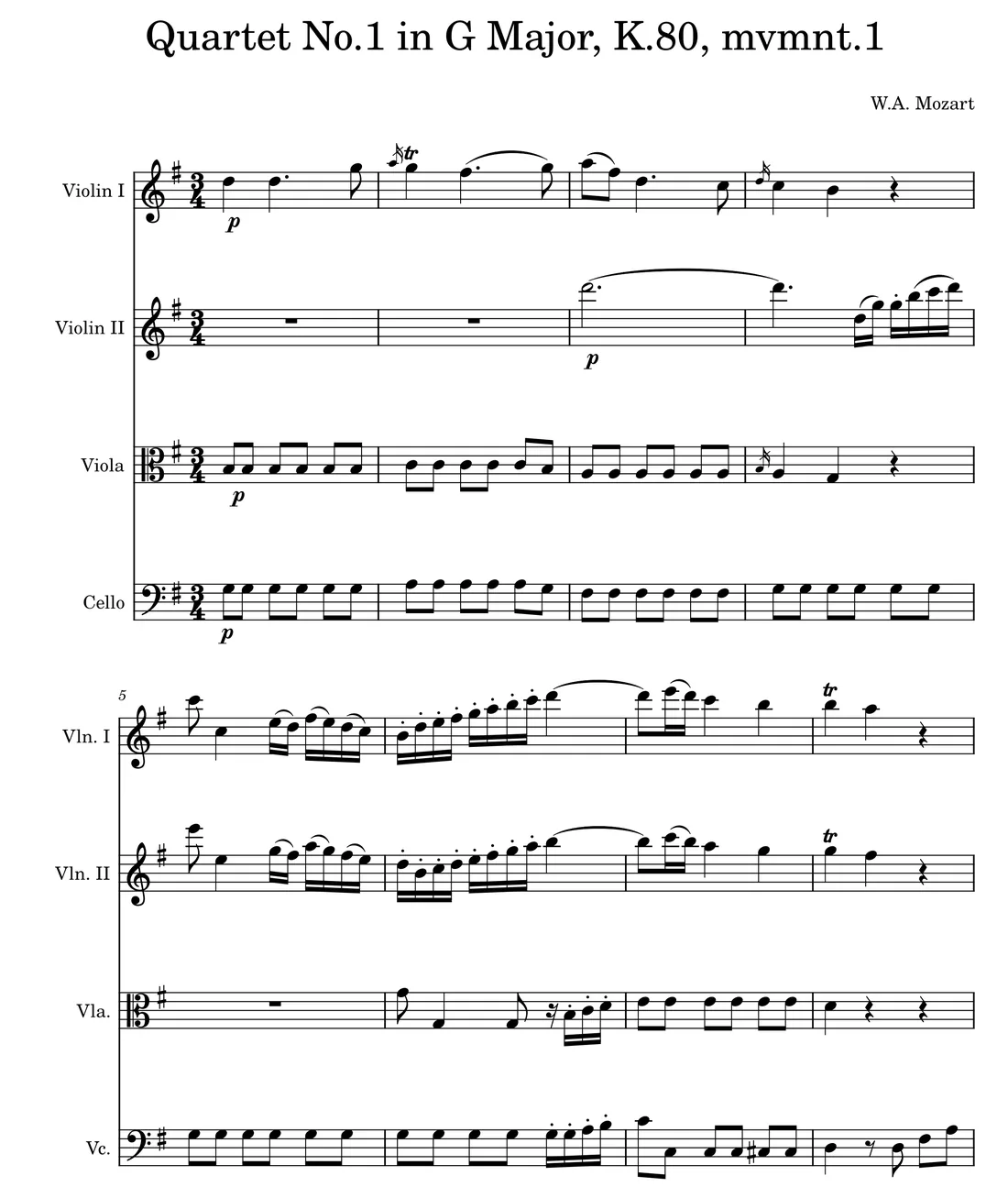
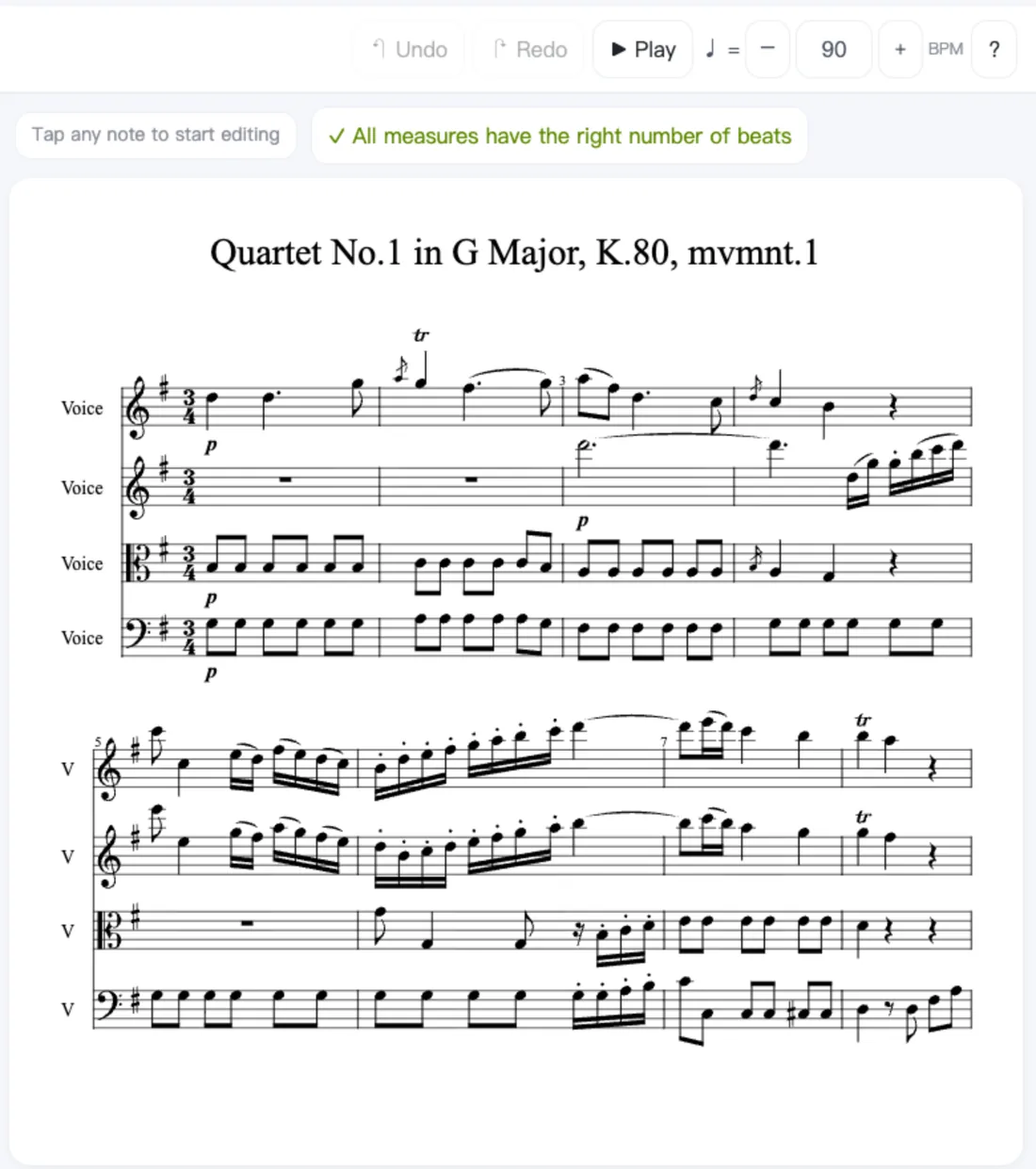
Comparison table
| Tool | Runs on | Export | Published price (USD) |
|---|---|---|---|
| PUJIAN | Browser | MusicXML, MIDI, PDF | 3 free pages on sign-up; 20-page pack $4.99; Standard $7.99/mo or $59/yr; Pro $15.99/mo or $119/yr |
| Soundslice | Browser | Edit and play in Soundslice; see vendor for export | Free: 2 trial scans/month, 1 page and 32 bars each; Plus $5/mo or $50/yr with 100 scanned pages/month |
| ScanScore | Windows, macOS | MusicXML, MIDI, PDF, audio | Melody $49 lifetime or $19/yr (1 staff); Ensemble $129 or $49/yr (up to 4 instruments); Professional $249 or $99/yr |
| PlayScore 2 | iOS, Android, Windows | MIDI, MusicXML | Not listed on the vendor site; see the app store |
| Newzik | iOS, web | MusicXML, MIDI (LiveScore) | Free trial; paid plans in the app; see the app store |
| MuseScore NoteVision | MuseScore.com | MuseScore file (.mscz) | Free with upload limits; unlimited with MuseScore Pro Plus |
| Audiveris | Windows, macOS, Linux | MusicXML | Free, open source |
How to choose
- Where you work: a browser tool needs no install; a desktop program keeps files on your computer; a phone app is handy for quick playback.
- What you need at the end: MusicXML for notation software, MIDI for DAWs and practice apps, or just playback.
- How much you scan: a one-time license can be cheaper for heavy, long-term use; page-based plans suit occasional use.
- What kind of music: solo lines, piano, choir or full scores. Some tools limit the number of staves per edition.
- Try before you pay: most tools have a free tier or trial. Test them on your own music, not on a demo.
A fair way to test
- Pick two or three pages from your own music: one easy page and one hard page, such as a piano or choir score with lyrics.
- Use the same file in every tool: the original PDF if you have it, otherwise one good photo.
- Play the results back and count the measures you would need to fix.
- Export to the program you actually use (MuseScore, Sibelius, Dorico, a DAW) and check that the file opens cleanly.
Where PUJIAN fits
- Runs in the browser on a phone or computer: photo, scan or PDF in, editable score out.
- After recognition you can play the score with a moving cursor, fix notes in the online editor, transpose in one click and split the score into parts by staff row.
- Export MusicXML, MIDI or PDF, and open the MusicXML in MuseScore, Sibelius, Finale or Dorico.
- Failed pages are not counted.
Where PUJIAN is not the right tool
- Handwritten music: not supported well.
- Guitar tablature: not supported.
- Offline use: PUJIAN needs an internet connection. Servers are in mainland China.
- Very dense orchestral scores may need manual fixes after recognition.
FAQ
- Which sheet music scanner is the most accurate?
- We don't publish an accuracy ranking. Results depend heavily on the music and the image quality. The best test is to run the same page of your own music through the free tiers of two or three tools.
- Is there a free sheet music scanner?
- Yes. Audiveris is free and open source. Several online tools have free tiers, including PUJIAN (3 pages on sign-up), Soundslice (2 trial scans per month) and MuseScore's NoteVision (with upload limits).
- Can any of these read handwritten music?
- PUJIAN does not handle handwritten music well. Check each vendor's own claims and test with your own pages.
- Is PUJIAN free?
- You get 3 free pages when you sign up with your email. Recognition and playback work on the free pages. Exporting MusicXML or MIDI, the online editor, part splitting and vocal separation are included in paid plans and page packs (from $4.99 for 20 pages). Payments are processed by Creem.