
PDF to MusicXML: convert PDF sheet music into an editable score
A PDF score is just a picture of music: you can print it, but you cannot edit or transpose it. To make it editable, upload the PDF to PUJIAN. It recognizes the printed staff notation page by page and produces a score you can play back, correct and export as MusicXML or MIDI.
Upload a scoreSign up with email3 free pages on sign-up · failed pages are not counted
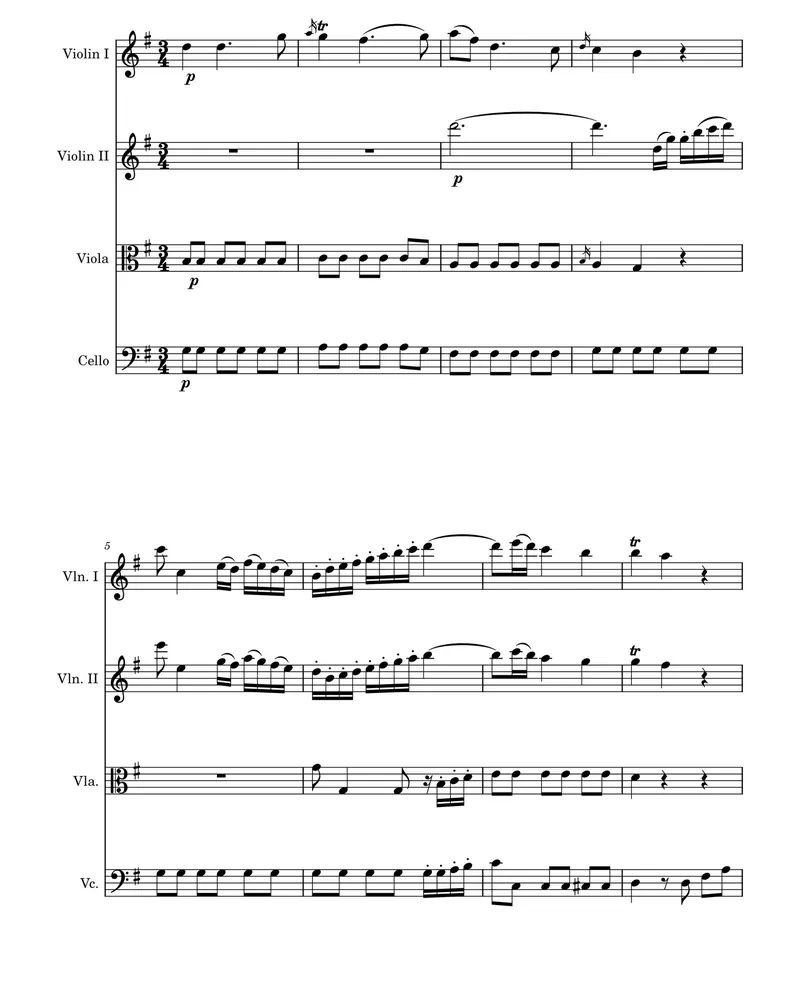
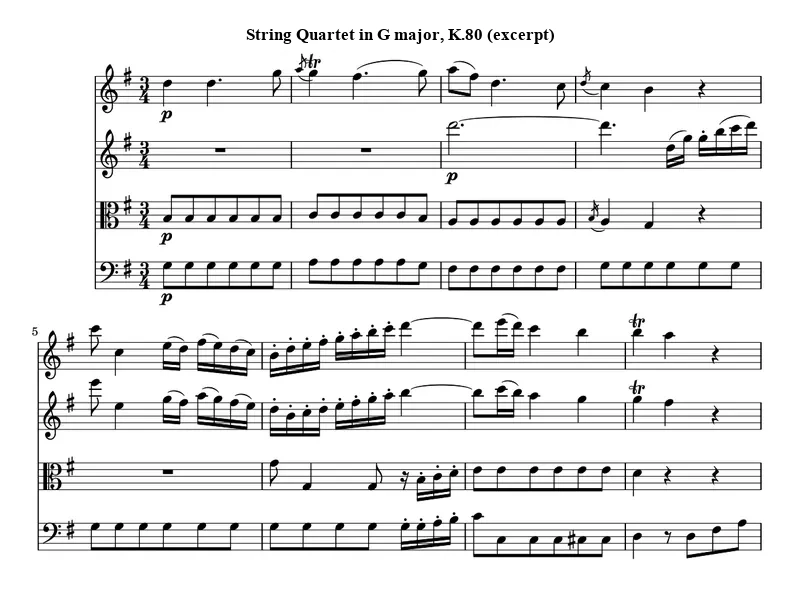
How to convert a PDF
- Sign up at seqnote.ink with your email (3 free pages).
- On the Recognize page, upload the PDF (up to 20 MB) and tick the pages you want. Only the pages you select are counted.
- Start recognition, then play the result back to check it.
- Correct anything that is wrong in the online editor, then export MusicXML or MIDI.
Which PDFs work best
- PDFs exported from notation software or clean scans of printed scores give the best results.
- Straight scans at a reasonable resolution, without heavy shadows, work well.
- PDFs made of phone photos work too, as long as each page is sharp and flat.
- Very old, faded or handwritten manuscripts are recognized poorly.
Large or multi-part scores
For choir or ensemble scores, PUJIAN can also split the result into single parts by staff row, so every singer or player gets their own line. Complex orchestral scores with many instruments may need manual fixes after recognition, so check them carefully.
FAQ
- Do I have to convert the PDF to images first?
- No. Upload the PDF directly and pick the pages you want to recognize.
- Is there a page or size limit?
- Each upload can be up to 20 MB. Every successfully recognized page uses one page from your balance; failed pages are not counted.
- Can I transpose the score after conversion?
- Yes. Once the score is recognized you can transpose it with one click and export the transposed version.
- How accurate is the recognition?
- On clean printed scores, most notes are recognized correctly. Handwritten music, blurry or skewed photos and dense orchestral scores give more errors. You can listen to the result and fix wrong notes in the online editor.
- Is PUJIAN free?
- You get 3 free pages when you sign up with your email. Recognition and playback work on the free pages. Exporting MusicXML or MIDI, the online editor, part splitting and vocal separation are included in paid plans and page packs (from $4.99 for 20 pages). Online payment for international users is coming soon.