
Split SATB choir parts from a photo or PDF of the score
To split a printed SATB choir score into separate parts, upload a photo or PDF of it to PUJIAN. It recognizes the score, lists the staff rows it found (for example Soprano, Alto, Tenor, Bass and Piano), and lets you merge rows that belong together and tick the parts you want. Each part becomes its own score that you can play back at the correct pitch, transpose and export as MusicXML, MIDI or PDF.
Upload a scoreSign up with email3 free pages on sign-up · failed pages are not counted
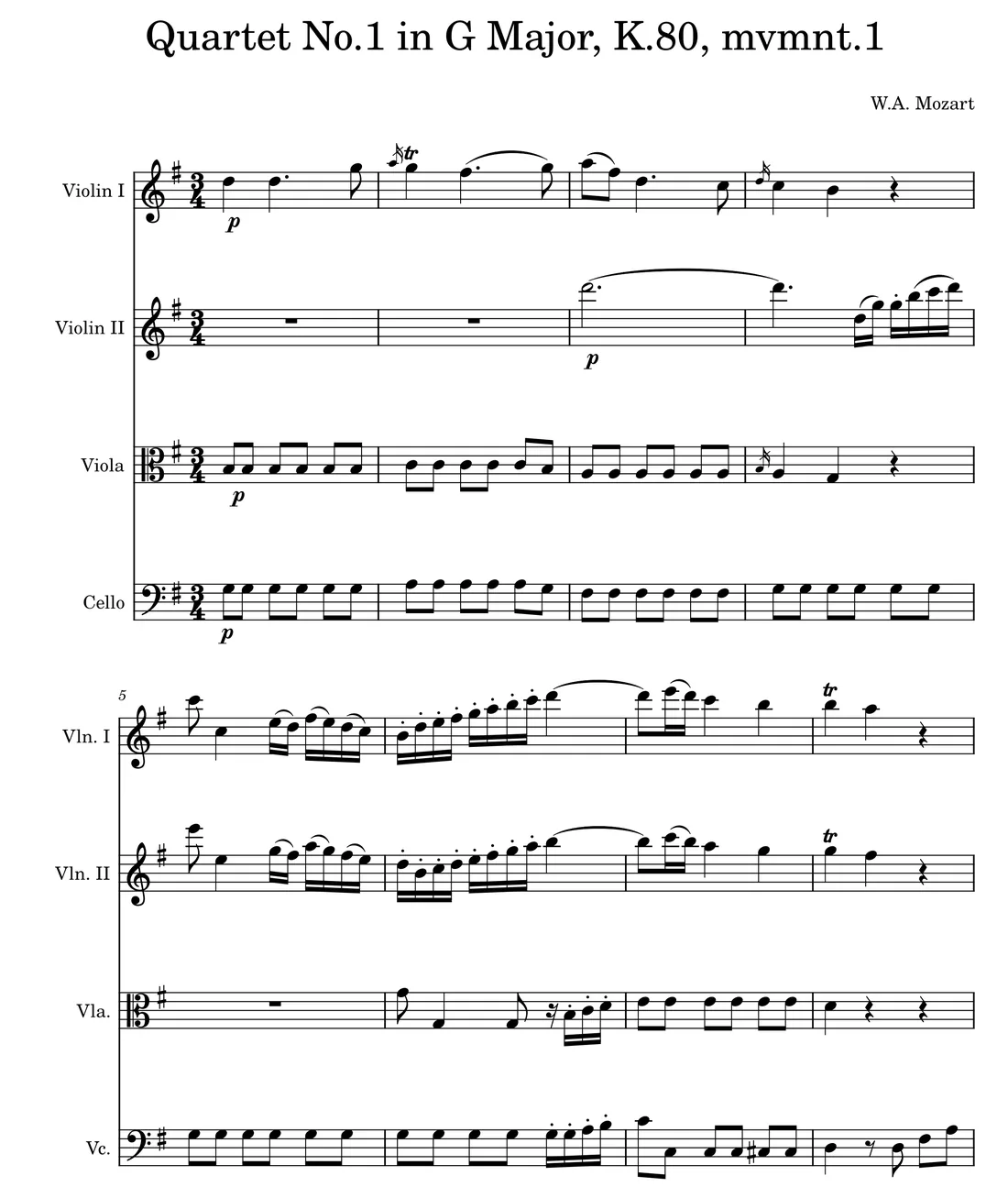
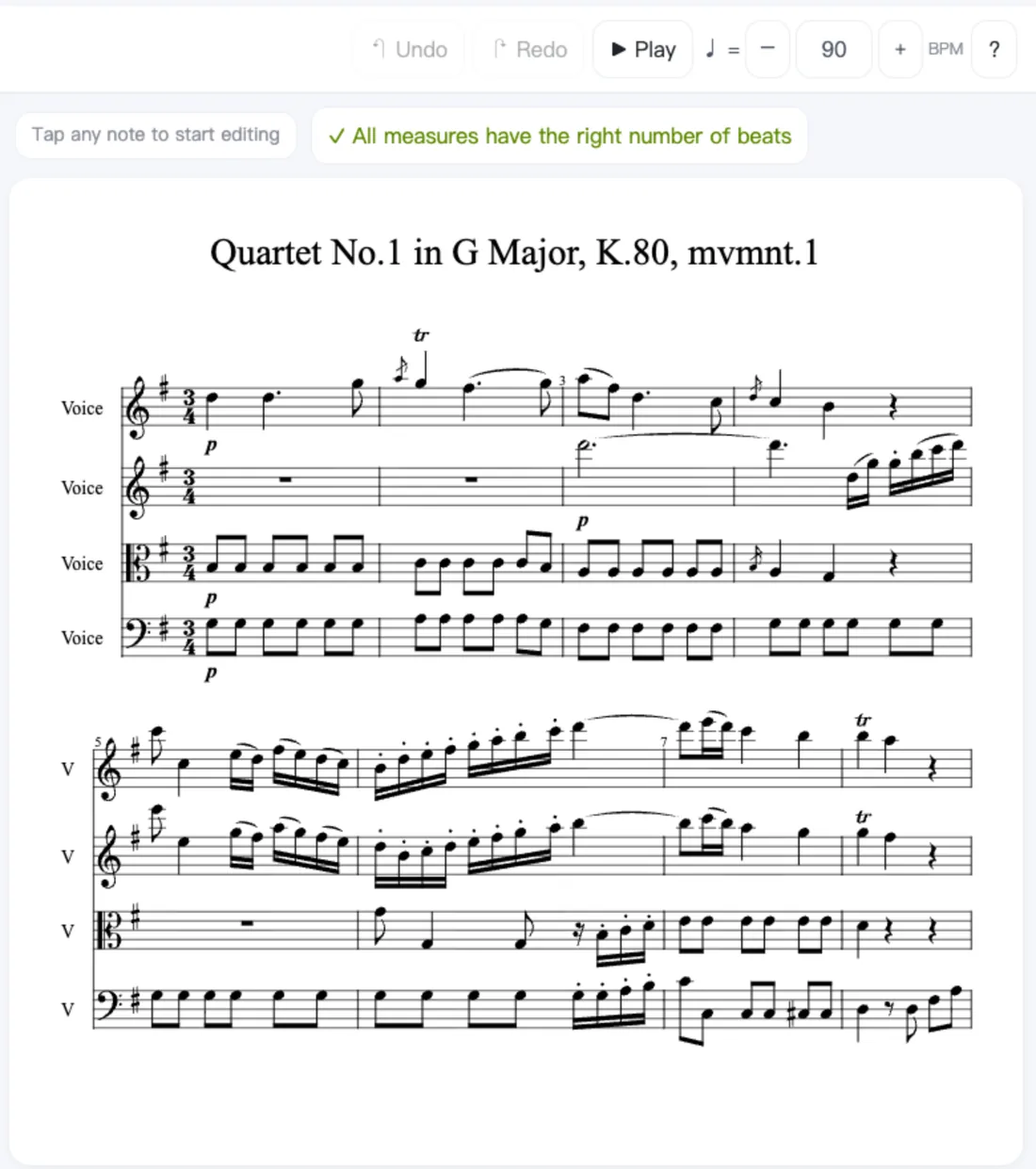
How to split a choir score into parts
- Sign up with your email at seqnote.ink. You get 3 free pages for recognition.
- Upload the choir score: phone photos, a scan or a PDF (up to 20 MB). Select the pages to recognize.
- Open the recognized score and choose Split parts. PUJIAN shows how many parts it found, with the number of notes and measures in each.
- If two rows are really one part, such as the two hands of the piano accompaniment, click Merge with next.
- Tick the parts you need and generate them. Generating parts uses no pages and usually takes 10 to 20 seconds per part.
- Play each part to check it, then export it as MusicXML, MIDI or PDF, or send each section its own file.
Open score vs. closed score
Choir music is printed in two common layouts. In an open score, each voice has its own staff: four staves for SATB, often with a piano reduction below. In a closed score, two voices share a staff: soprano and alto on the treble staff, tenor and bass on the bass staff, like a hymnal.
PUJIAN splits by staff row. An open score gives you one part per voice. A closed score gives you two parts, SA and TB, each with both voices on one staff. Singers then follow their own line within the part, and playback plays both voices of that staff together.
Ways to get separate choir parts
| Method | Starting point | What you do | Good for |
|---|---|---|---|
| PUJIAN Split parts | Photo, scan or PDF of a printed score | Recognize, check the list of rows, merge if needed, generate | Getting playable parts quickly from paper or PDF |
| Parts in a notation program (MuseScore, Sibelius, Dorico) | A notation file (.mscz, MusicXML) | Create parts from the instruments in the score | Scores you already have as a file; closed scores after you move each voice to its own staff |
| Manual copying | Paper score | Re-enter or cut and paste each voice | Very short pieces |
Who this helps
- Singers who don't read well at the piano and want to hear their own line.
- Section leaders who prepare rehearsal parts and practice files before the first rehearsal.
- Conductors and accompanists who need the piano reduction as a separate part.
- Teachers who want to play one voice to a class while the others listen.
Good to know
- Part splitting is included in paid plans and page packs. Recognition and playback work on the free pages.
- Lyrics in the parts depend on recognition; check them before you print.
- Playback uses a piano sound at the correct pitch. It does not sing the words.
- Handwritten scores and blurry photos are recognized poorly. Use a clean print, scan or PDF.
- Only upload scores you have the right to use.
FAQ
- Can PUJIAN split soprano and alto when they share one staff?
- No. Parts are split by staff row, so soprano and alto on one staff stay together in one part. In an open score with one staff per voice, every voice gets its own part.
- Does splitting use more pages?
- No. Pages are used when the score is recognized. Generating parts from a recognized score uses no pages.
- Can I transpose the parts?
- Yes. You can transpose the whole score before splitting, or transpose a generated part on its own.
- Can I slow down my part to learn it?
- Yes. Playback runs at 0.75x, 1x, 1.25x or 1.5x.
- Is PUJIAN free?
- You get 3 free pages when you sign up with your email. Recognition and playback work on the free pages. Exporting MusicXML or MIDI, the online editor, part splitting and vocal separation are included in paid plans and page packs (from $4.99 for 20 pages). Payments are processed by Creem.