
Scan piano sheet music: hear it, practice each hand, export it
Upload a photo, scan or PDF of printed piano music to PUJIAN and it recognizes both staves of the grand staff: notes, chords, rests, clefs, key and time signatures. You can play the piece back with the note being played highlighted, slow it to 0.75x, split it so the right and left hand are separate parts you can play on their own, transpose it, and export MusicXML or MIDI.
Upload a scoreSign up with email3 free pages on sign-up · failed pages are not counted
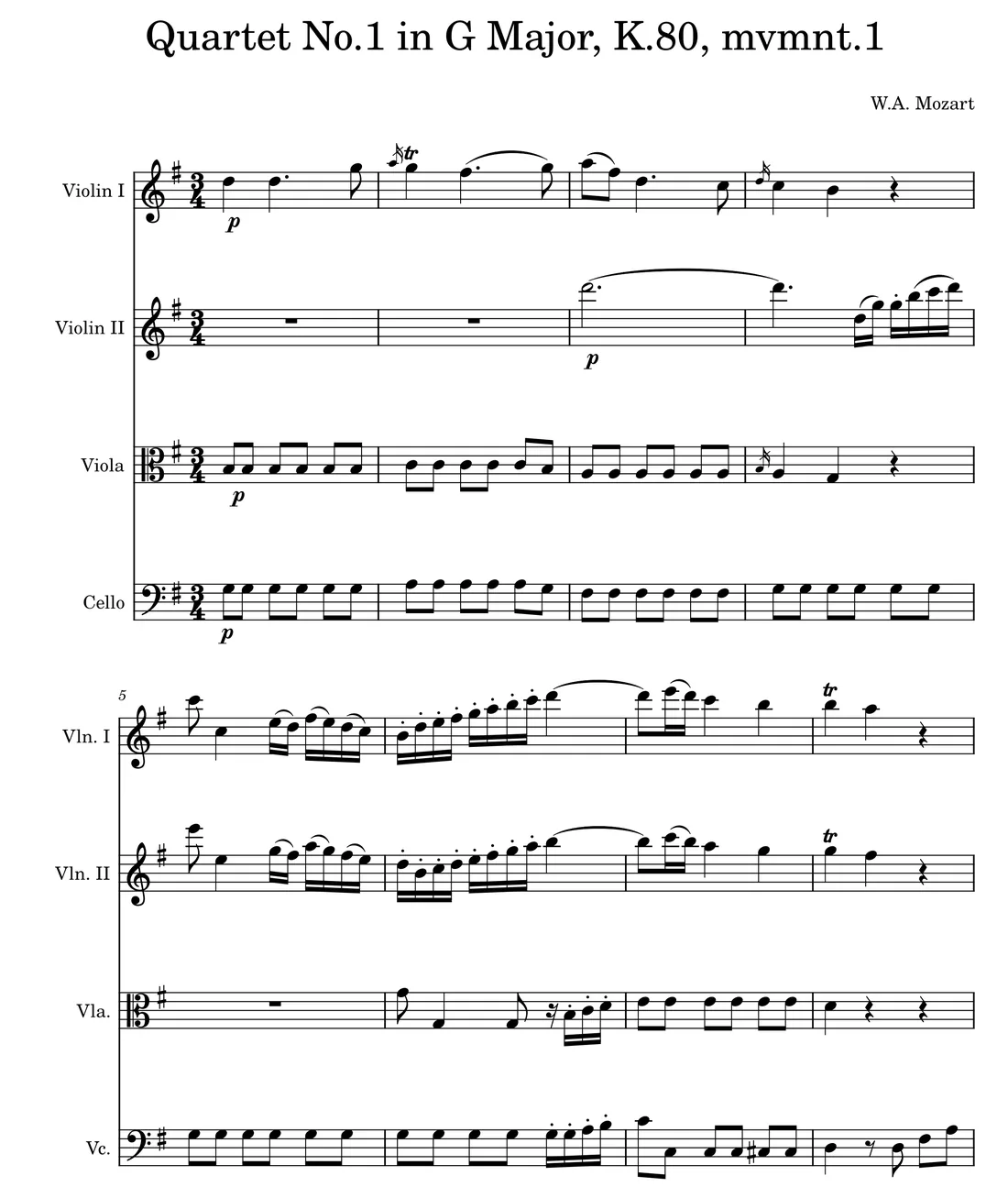
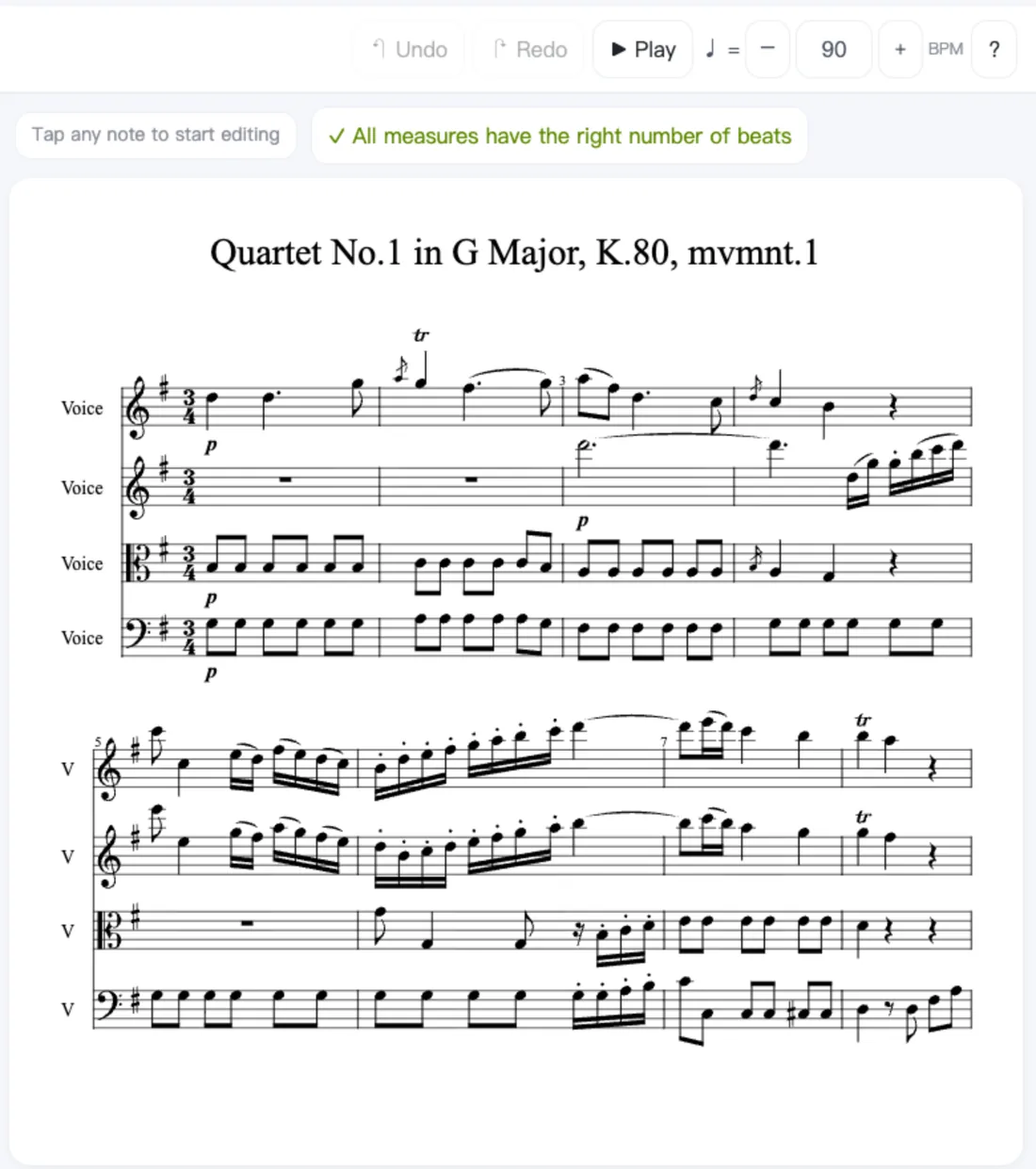
Steps
- Sign up with your email at seqnote.ink (3 free pages).
- Upload the piano music: the original PDF, a scan, or a flat photo of each page.
- Start recognition, then press Play and follow along with the highlighted notes.
- To practice hands separately, choose Split parts: the treble and bass staves are listed as two rows. Generate both and play either one.
- Fix any wrong notes in the online editor, then export MusicXML for MuseScore or MIDI for a DAW or practice app (paid plans and page packs).
What you can use it for
- Hearing a new piece before you learn it.
- Practicing one hand while listening to the other, at 0.75x if you need it.
- Moving an accompaniment to a key that suits the singer.
- Getting an old printed piece into MuseScore without typing it in.
What to check after recognition
- Dense chords and notes with many ledger lines: listen for wrong pitches.
- Two voices on one staff (for example a held note under a moving line): check rhythms in those bars.
- Ottava (8va) passages, grace notes, ornaments and pedal marks.
- Beaming across the two staves and staff changes in the middle of a passage.
- Repeat signs and endings: playback follows what was recognized, so compare with the page.
Tips for a clean scan
- Lay the page flat and shoot from directly above, so the staff lines are straight and parallel.
- Use even light. Avoid shadows from your phone or hand, and avoid glare on glossy paper.
- One page per photo, with the whole page in frame and nothing cut off at the edges.
- Hold the phone steady and make sure the notes are sharp when you zoom in.
- A scan or the original PDF is always better than a photo of a screen.
FAQ
- Can I play only the right hand?
- Yes. Split the score into parts; the two staves become two parts, and each one plays on its own.
- Does it read pedal markings and fingering?
- Treat pedal markings and fingering numbers as not reliable. Check them against the original page.
- Can I export to MIDI for a piano app?
- Yes, with a paid plan or page pack. Each staff is on its own MIDI track.
- Can it read handwritten sheet music?
- Not reliably. PUJIAN is built for printed staff notation. Handwritten scores usually produce many errors, so we do not recommend them.
- Is PUJIAN free?
- You get 3 free pages when you sign up with your email. Recognition and playback work on the free pages. Exporting MusicXML or MIDI, the online editor, part splitting and vocal separation are included in paid plans and page packs (from $4.99 for 20 pages). Payments are processed by Creem.