
MusicXML vs MIDI vs PDF: which file do you need?
Use MusicXML when you want to keep editing the notation in MuseScore, Sibelius, Finale or Dorico: it stores notes, rhythms, clefs, key and time signatures, slurs, dynamics, lyrics and separate staves. Use MIDI when you want to play or produce the music in a DAW or practice app: it stores pitches, timing and instruments, but not how the music is written. Use PDF when you only need to read or print. A photo or PDF of printed music can be turned into MusicXML and MIDI with optical music recognition, for example with PUJIAN.
Upload a scoreSign up with email3 free pages on sign-up · failed pages are not counted
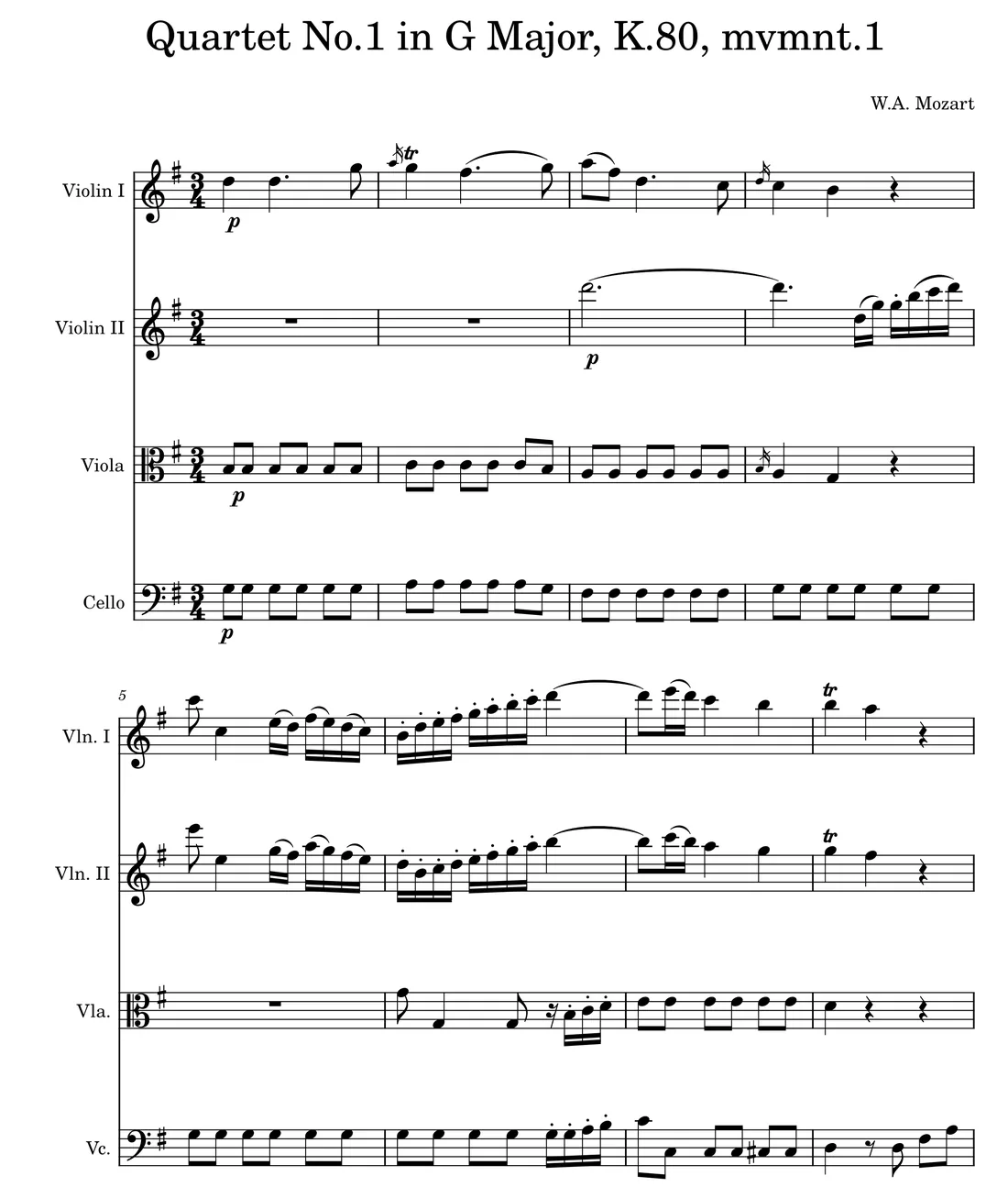
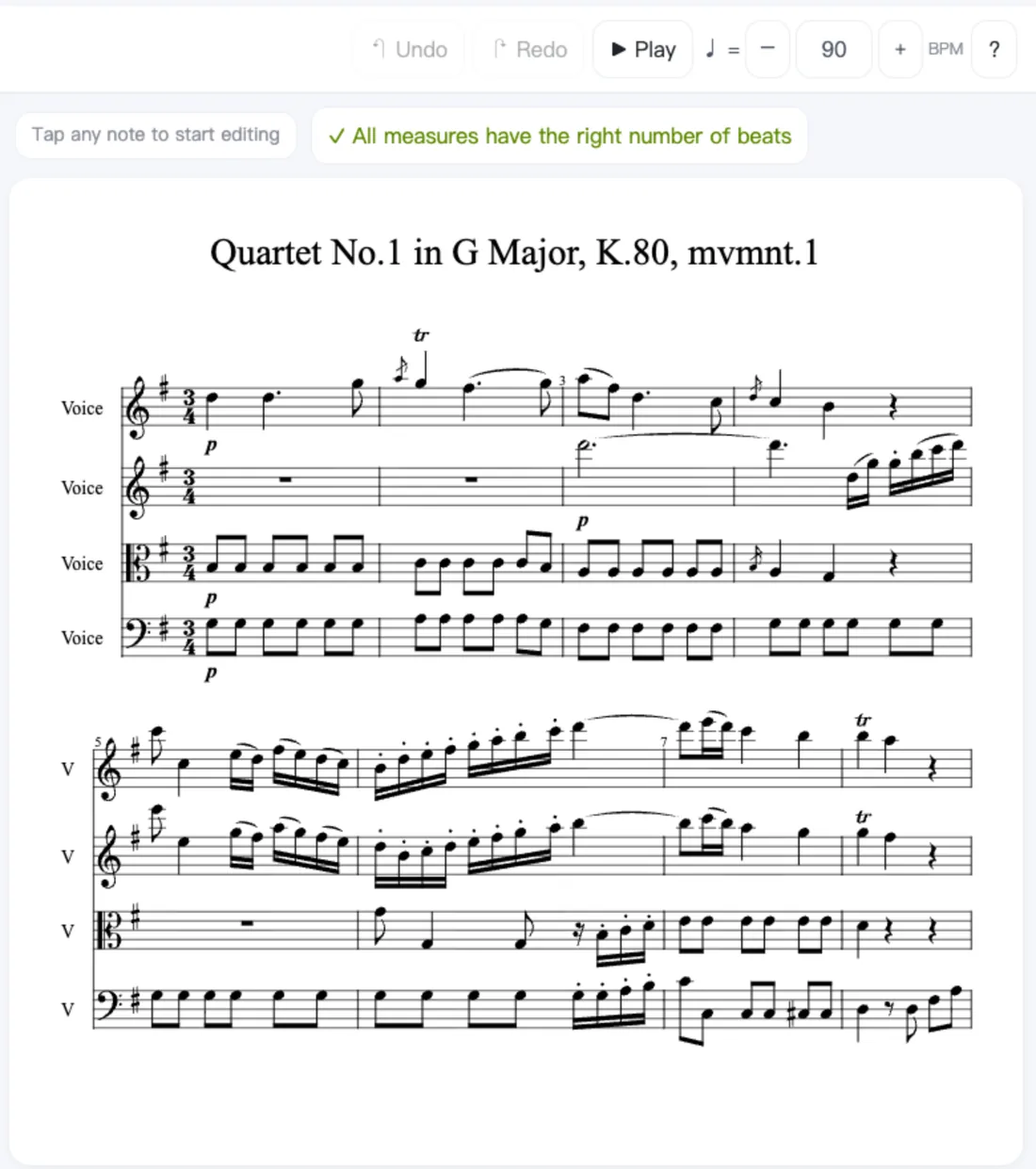
At a glance
| MusicXML | MIDI | ||
|---|---|---|---|
| What it stores | The written score: notes, rhythms, clefs, keys, meters, slurs, dynamics, lyrics, staves | The performance: pitch, start time, length, velocity, instrument per track | A picture of the page |
| Editable as notation | Yes | Partly: notation software has to guess spelling, rhythm and layout | No |
| Plays back | In notation software | Anywhere: DAWs, keyboards, practice apps | No |
| Typical programs | MuseScore, Sibelius, Finale, Dorico, Noteflight | GarageBand, Logic Pro, Cubase, FL Studio, digital pianos | Any PDF reader |
| File extensions | .musicxml, .mxl (compressed), .xml | .mid, .midi |
When to use MusicXML
- Moving a score between notation programs, for example from MuseScore to Dorico.
- Re-engraving an old printed score, or fixing and transposing it.
- Making separate parts from a full score.
- Keeping lyrics, articulations and dynamics with the notes.
When to use MIDI
- Building a backing track or changing instruments in a DAW.
- Playing along on a digital piano or in a practice app.
- Muting or soloing a part: each staff is on its own track.
- MIDI does not keep slurs, lyrics, enharmonic spelling or layout. If you import MIDI into notation software, expect to clean up the rhythm and note spelling.
When PDF is enough
- You only need to read or print the music as it is.
- You are sharing a finished score with players who will not change it.
- Keep the PDF as the reference copy even after you convert it, so you can compare the converted score with the original.
An example
Say a choir director has a printed SATB anthem. As a PDF it can be printed and handed out, but not changed. Converted to MusicXML, it can be moved down a whole step for the choir, split into separate voice parts and opened in MuseScore to fix the layout. Exported as MIDI, each voice is on its own track, so singers can practice with their line louder or the others muted.
How to get MusicXML and MIDI from paper or PDF
- Upload a photo, scan or PDF of the printed score to PUJIAN (3 free pages on email sign-up).
- Play back the recognized score to check it and fix any wrong notes in the online editor.
- Export MusicXML, MIDI or both (paid plans and page packs). PDF export is available too.
FAQ
- Is MusicXML better than MIDI?
- Neither is better; they do different jobs. MusicXML is for notation, MIDI is for playback and production. Many people export both.
- What is the difference between .musicxml and .mxl?
- .mxl is compressed MusicXML. Most notation programs open both.
- Can I convert MIDI back to sheet music?
- Notation software can import MIDI, but it has to guess how the music should be written, so the result often needs cleanup. Starting from MusicXML gives a cleaner score.
- Can I upload a MusicXML file to PUJIAN?
- Yes. Uploading MusicXML uses no pages; you can then play, transpose or split it.
- Is PUJIAN free?
- You get 3 free pages when you sign up with your email. Recognition and playback work on the free pages. Exporting MusicXML or MIDI, the online editor, part splitting and vocal separation are included in paid plans and page packs (from $4.99 for 20 pages). Payments are processed by Creem.