
How to photograph sheet music so it is recognized accurately
Most recognition errors come from the photo, not the music. Lay the page flat, shoot from directly above in even light, keep one whole page per photo, and make sure the notes are sharp when you zoom in. If you have the original PDF or a flatbed scan, use that instead: it gives the best results.
Upload a scoreSign up with email3 free pages on sign-up · failed pages are not counted
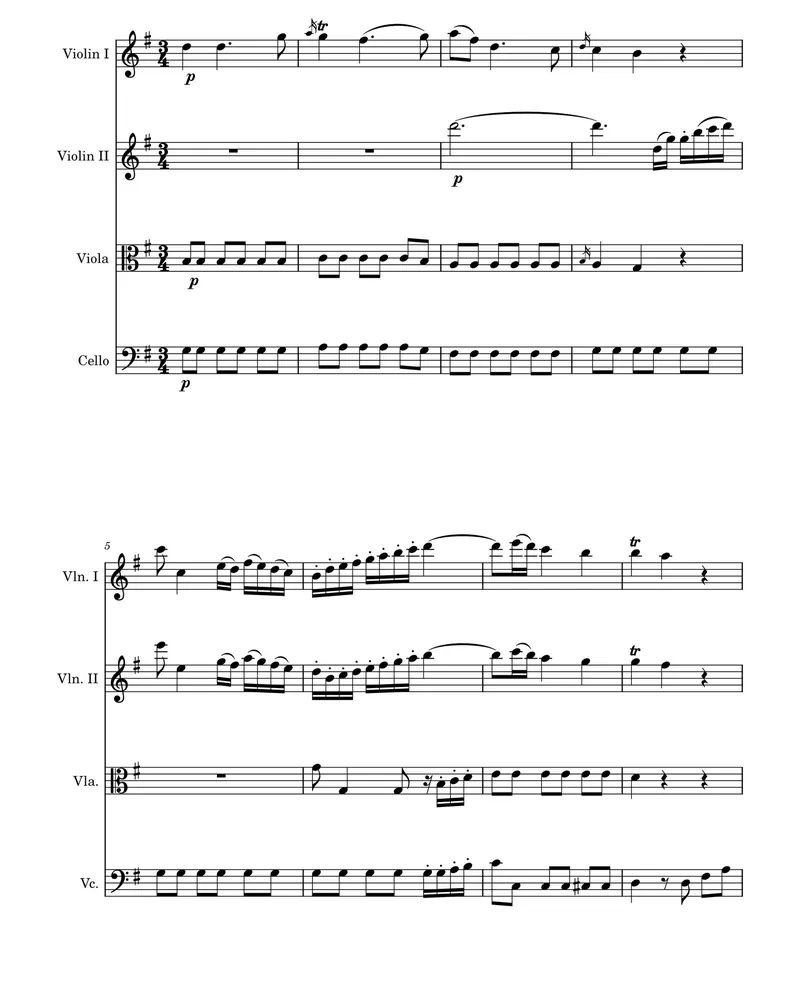
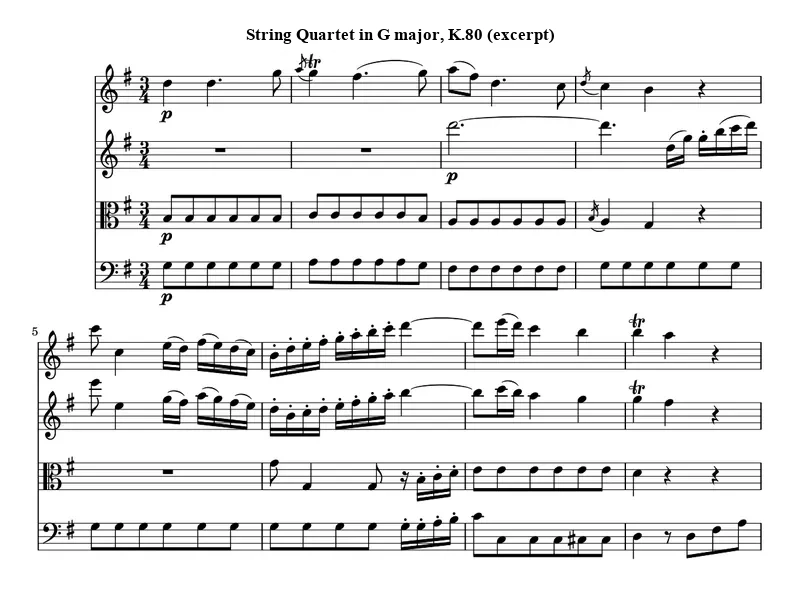
Checklist
- Lay the page flat and shoot from directly above, so the staff lines are straight and parallel.
- Use even light. Avoid shadows from your phone or hand, and avoid glare on glossy paper.
- One page per photo, with the whole page in frame and nothing cut off at the edges.
- Hold the phone steady and make sure the notes are sharp when you zoom in.
- A scan or the original PDF is always better than a photo of a screen.
Common problems
- Curved pages near the spine of a book bend the staff lines. Press the book flat or photograph a copy.
- Shadows from your hand or phone hide notes. Turn so the light comes from the side.
- Glare on glossy paper wipes out note heads. Tilt the page slightly away from the light.
- Photos of a screen show moiré patterns. Download the PDF instead.
What PUJIAN can and can't read
- PUJIAN reads printed staff notation. Handwritten scores and blurry, skewed or dark photos are recognized poorly.
- Complex orchestral scores with many staves may need manual fixes after recognition.
- Check the result before you use it: play it back and compare with the original.
FAQ
- Is a phone photo good enough?
- Usually yes, for clean printed music photographed flat and in good light. A scan or original PDF is still more accurate.
- Should I photograph two pages at once?
- No. One page per photo gives the recognizer more detail on each page.
- Can it read handwritten sheet music?
- Not reliably. PUJIAN is built for printed staff notation. Handwritten scores usually produce many errors, so we do not recommend them.
- Is PUJIAN free?
- You get 3 free pages when you sign up with your email. Recognition and playback work on the free pages. Exporting MusicXML or MIDI, the online editor, part splitting and vocal separation are included in paid plans and page packs (from $4.99 for 20 pages). Online payment for international users is coming soon.